Affinity for Photographers: Photo, Designer and Publisher Explained
Photographers spend a lot of time working with images, but photography rarely stops when the shutter is pressed.
At some point you may need to design a portfolio, create a brochure, produce a price list, prepare artwork for an exhibition, make a photo book or put together promotional material for a client.
That’s where design and publishing software becomes useful.
The Affinity range has traditionally been particularly interesting to photographers because it brings together three different types of creative software: Affinity Photo for image editing, Affinity Designer for vector graphics and Affinity Publisher for page layout.
Used together, they can cover a surprisingly large proportion of the design work a photographer might need to undertake.
Affinity Photo: image editing
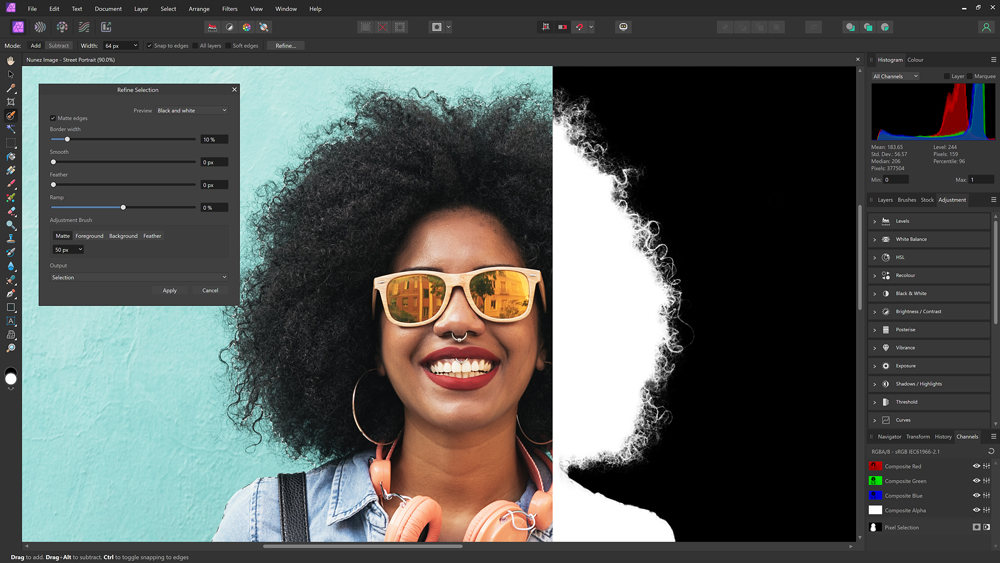
Affinity Photo is the part of the suite most obviously aimed at photographers.
It is designed for working with pixel-based images and provides tools for tasks ranging from straightforward adjustments through to complex compositing and retouching.
If you’re already comfortable with layers, masks, selections and adjustments, the basic concepts will be familiar.
For photographers, the important thing is not necessarily the number of features available. It’s how well those features fit into your workflow.
Working with layers
Layers are fundamental to more advanced image editing.
They allow you to build up an image from multiple elements while retaining the ability to change individual components later. Masks provide another way of controlling where an adjustment or layer affects an image.
This becomes particularly useful for compositing, retouching and creative work.
For example, you might have a portrait where the background needs to be replaced, a particular area needs to be brightened and another part of the image needs local colour correction.
Rather than permanently changing the original pixels, a layered workflow gives you much greater control.
RAW and non-destructive editing
RAW files contain considerably more information than a finished JPEG, giving photographers greater flexibility when adjusting exposure, colour and tonal range.
A modern RAW workflow should ideally allow you to revisit those adjustments rather than permanently committing them at the beginning of the process.
This is particularly useful when an image is going to be used in several different ways.
A photograph might eventually appear on a website, in a printed brochure and in a large exhibition print. Being able to return to the underlying image and make further adjustments is valuable.
Affinity Designer: graphics, logos and illustrations
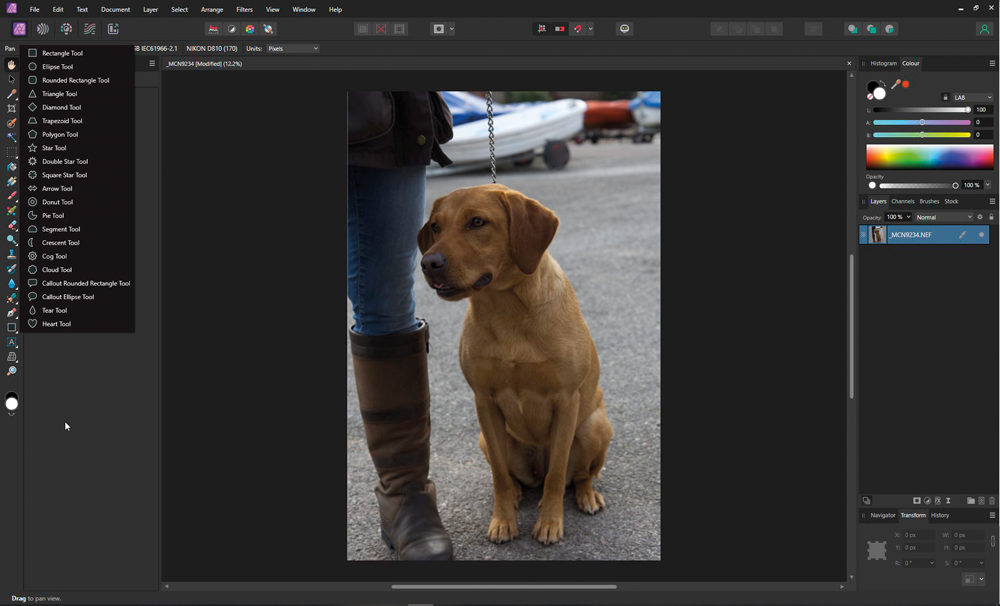
Affinity Designer has a different job.
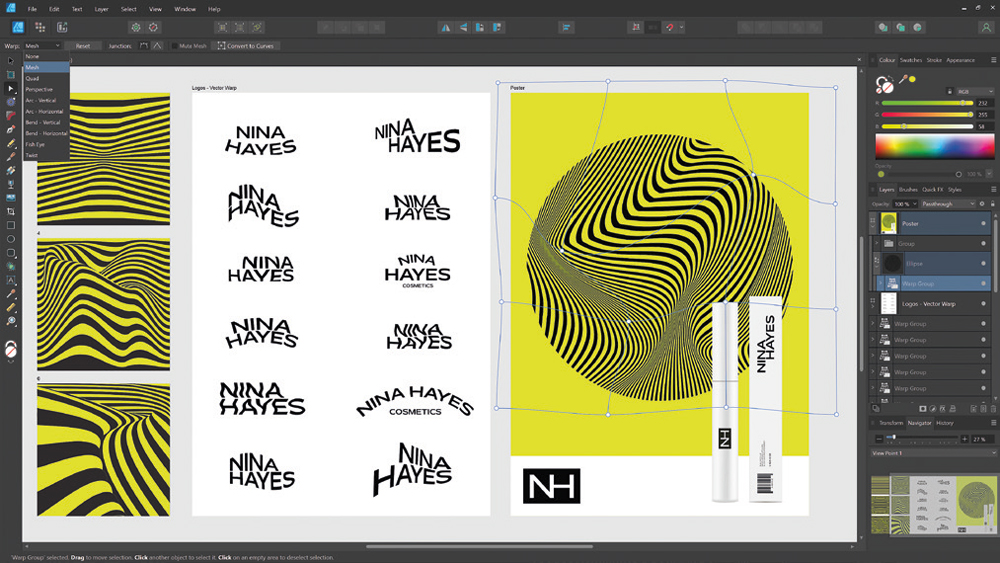
Where Photo is primarily concerned with pixels, Designer is built around vector graphics.
Vector artwork is constructed from mathematically defined shapes and paths rather than individual pixels. That makes it particularly useful for graphics that need to be resized without losing quality.
For a photographer, that could include:
- Logos
- Icons
- Diagrams
- Posters
- Flyers
- Social media graphics
- Exhibition graphics
- Simple illustrations
- Typography-based designs
- Business stationery
You might not need a dedicated vector application every week, but when you do need one, it can make certain jobs considerably easier.
A logo is a good example. Designing a logo as a collection of vector shapes means it can be used on a business card, website, exhibition banner or large sign without having to recreate it at different resolutions.
Affinity Publisher: where it gets particularly interesting for photographers
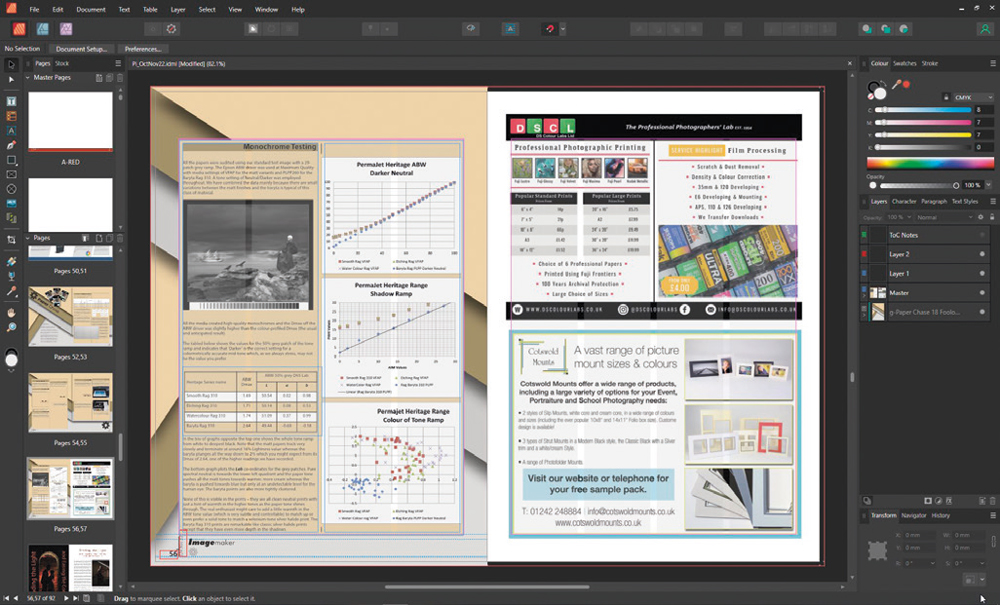
For many photographers, the most interesting application in the group may actually be Affinity Publisher.
Publisher is designed for creating documents containing combinations of text, photographs, graphics and other elements.
That makes it useful for far more than traditional publishing.
A photographer could use a page-layout application to create:
- Photo books
- Photography portfolios
- Client brochures
- Price guides
- Exhibition catalogues
- Marketing brochures
- Magazine-style publications
- Lookbooks
- Wedding albums
- Business presentations
- Promotional PDFs
If you’ve ever tried creating a complex multi-page document in a word processor, you’ll know how quickly things can become frustrating.
Page-layout software is designed specifically for this job.
Designing a photo book
Photo books are an obvious application.
Many photo-book companies provide their own design software, and this can be perfectly adequate for straightforward books.
But photographers who want more control over typography, image placement and page design may prefer to create the artwork themselves.
A page-layout application allows you to think about the book as a complete piece rather than simply placing one photograph after another.
You can control:
- Image sizes
- Cropping
- Margins
- Page layouts
- Typography
- Captions
- Page numbers
- Colour
- Bleed and print areas
- Consistency across the whole book
This becomes particularly useful when the book is part of the photographer’s professional offering rather than simply a personal collection of photographs.
A photo book can become part of your photography service
There is also a business opportunity here.
A photographer doesn’t necessarily have to sell photography as a collection of individual files or prints.
For some clients, the finished product can be a designed book.
Wedding photography is an obvious example, but the same principle can apply to family photography, commercial projects, travel photography, documentary work and personal projects.
Instead of simply delivering hundreds of photographs, you can offer a finished publication that tells the story of the shoot.
The design becomes part of the service.
Creating brochures and marketing material
The same skills can be applied to your own business.
A professionally designed brochure or portfolio can give potential clients something tangible to look through. It can also provide a useful way of showing your work when a screen isn’t the best option.
You could create a small portfolio document specifically for a particular type of client.
For example, a commercial photographer might produce one portfolio aimed at hotels and another aimed at food businesses.
A wedding photographer could create a beautifully designed guide explaining their approach, packages and album options.
The important point is that the software is only the tool. The value comes from what you create with it.
The advantage of having the applications work together
One of the strengths of having image editing, vector graphics and page layout applications in the same ecosystem is that you can move between different types of work.
You might edit a photograph in Photo, create a logo or graphic in Designer and then bring everything together in Publisher.
This reflects the way many real-world photography projects work.
A brochure isn’t just photographs.
It might contain photographs, a logo, text, diagrams, coloured backgrounds, icons and other graphical elements.
Having appropriate tools for each part of the job makes the process much easier than trying to force one application to do everything.
You don’t have to become a graphic designer
There’s sometimes a temptation to think that learning design software means becoming a graphic designer.
It doesn’t.
You can learn enough to solve the problems that actually occur in your photography business.
Start with something relatively simple.
Create a one-page price guide.
Then try a small portfolio.
Then perhaps a short brochure or a simple photo book.
As your confidence grows, you can start experimenting with more sophisticated layouts.
The important thing is to learn by making real things rather than simply watching tutorials.
Think beyond editing photographs
Photography software is obviously important, but photographers can benefit from thinking about what happens before and after the image itself.
The ability to edit a photograph is one skill.
The ability to turn those photographs into something that can be presented, printed and sold is another.
That could mean designing a book for a wedding client, producing a portfolio for a commercial meeting or creating an exhibition catalogue for your own work.
Those are additional skills that can potentially become additional services.
Is Affinity right for you?
That depends on what you actually need to do.
If you only edit photographs, an image-editing application may be all you need.
If you regularly create logos, graphics or illustrations, vector software becomes more useful.
If you’re producing multi-page documents, brochures, books or portfolios, a page-layout application can be particularly valuable.
For photographers who occasionally need all three types of work, having a connected set of applications can make a lot of sense.
And you don’t need to master everything.
Learn the parts that solve problems in your own business and build from there.
The bigger opportunity for photographers
The most interesting thing about design software isn’t necessarily the software itself.
It’s what it allows you to offer.
Photography can become much more valuable when the finished product goes beyond a collection of digital files.
A carefully designed photo book, portfolio, brochure or publication gives your photography another purpose and another format.
It also gives you an opportunity to develop skills that sit alongside photography rather than competing with it.
For photographers looking to expand what they offer, learning a little about image editing, graphic design and page layout can therefore be a worthwhile investment.
The camera may create the photographs, but good design can help turn those photographs into something people want to keep.